Your data, trained to deploy, no AI expertise required
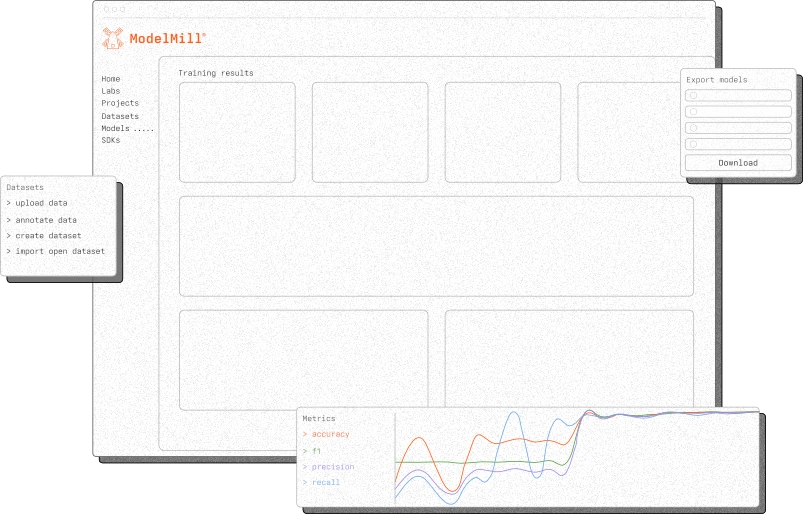
ModelMill is a cloud-based deep-learning platform that trains, tests, and deploys Logic-Based Networks (LBNs) tailored to your data, your business case, and your target hardware.
Every LBN begins with a question and ends with an answer in the form of an AI model running on real hardware. ModelMill handles nearly everything between. Upload your data, define where the LBN needs to run, and let the platform's automated deep-learning do what an AI engineer would — configure, train, test, and refine hundreds of LBN candidates until only the best remain. Then convert them to a C code SDK, ready for integration into your device.
Start with the data you have
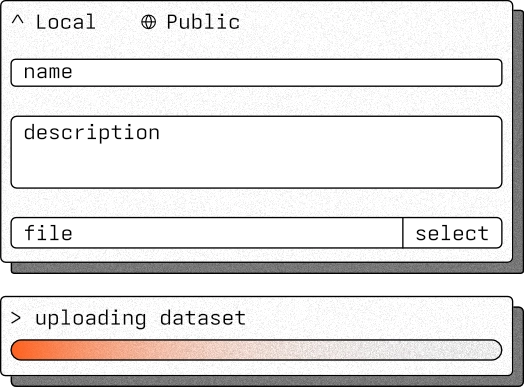
Good models begin with good data. ModelMill accepts your datasets directly — upload in-browser and the platform handles the rest. No reformatting. No data science prerequisites. Just your data, ready to become something useful.

Supported formats
ModelMill is optimised for the upload of CSV, JSON, or ZIP archives containing either. Each file can be up to 5GB.

Open-source datasets built in
Not ready with your own data? ModelMill ships with curated OpenML tabular datasets. That enables you to train models against common problems, or to test ModelMill's capabilities against published benchmarks.

Pre-processing, automated
Once uploaded, your data is pre-processed as it is ingested. Filtering, normalisation, one-hot encoding, rolling-window transforms, sequence padding, and sorting — each operation prepares your dataset for high-quality training without manual scripting.
Teach ModelMill your data
 AutoML
Raw data tells half the story. Annotation tells the other half. Once you've imported your data into ModelMill, it's time to annotate it. ModelMill meets you halfway — its AutoML engine analyses your data and proposes annotations automatically, which you then review and refine. Or you can start wholly from scratch. Either way, you'll bring human intelligence and understanding and instruct ModelMill on which data features matter, which to ignore, and how to handle the structure of your dataset.

Tag and categorise
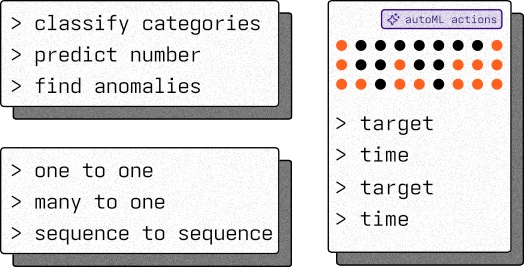
Mark each column as categorical, numeric, time-based, identifier, or metadata. Define your test, training, and validation splits. You decide what the training sees and what it does not.
Smart annnotations, AutoML-assisted
ModelMill's AI-powered annotation engine examines your dataset and auto-tags columns based on statistical analysis and structural patterns. It detects whether the task is classification, regression, or anomaly detection, and maps input-output relationships automatically. Apply its suggestions wholesale, or adjust them to match your knowledge of your dataset.

Language-driven annotation
Not sure how best to annotate a complex dataset? ModelMill includes a tuned LLM that lets you describe your data and annotation intent in plain language. Ask it to tag all temperature columns as numeric, or to split the dataset by date. It will translate your instructions into annotation actions for you to accept or adapt.

Portable, auditable, reusable
ModelMill is built for re-use, re-training, and collaboration. Any annotation you build can be exported as YAML. Store them, share them across teams, version-control them, or re-apply them to fresh data for retraining and fine-tuning.
Tell it where to land
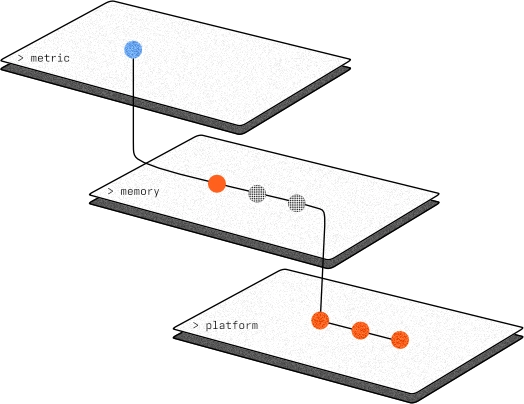
Where you want your LBN to run shapes how it trains. With your dataset annotated, you'll describe the device the LBN will run on, its constraints, and the metrics that matter to your business case. ModelMill uses these targets to guide every subsequent training decision it makes, ensuring the model it produces is not merely accurate, but deployable on the exact hardware you need.
focus
hardware
constraints
metric
All the models. One command.
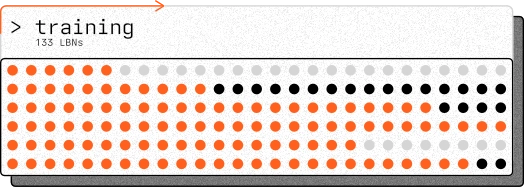
AutoMLThis is where ModelMill earns its name. Once you press train, the platform takes over entirely — designing hundreds or thousands of LBN configurations, training each against your data, testing them continuously, cutting short poor performers, and refining towards multiple strong candidates.
Most deep-learning platforms train one model over many epochs and call it done. ModelMill trains and tests many models over many epochs to find the right one. The difference is the difference between a guess and a choice.
Auto-configured architectures
The platform draws from a library of LBN architecture types — Convolutional, Graph, and Recurrent LBNs, Tsetlin Machines, and XGBoost — combining them with techniques including 1-bit processing, data binarisation, propositional logic, and sparsity optimisation. It designs configurations you would not think to try.

Parallel training at scale
Hundreds or thousands of candidate LBNs train simultaneously, each shaped by your data and your deployment constraints. No queuing. No waiting for one model to finish before the next begins.
AI-driven candidate selection
Throughout training, the platform evaluates performance continuously. Poor-performing candidates are cut short. Promising ones are refined further. The result is not one model and a prayer — it is a curated shortlist of candidates that genuinely meet your targets.
Proof before production
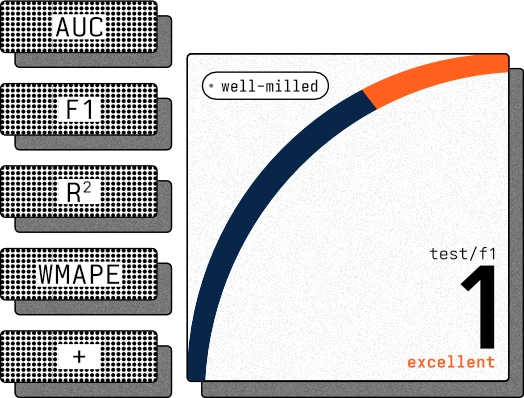
Every candidate that reaches this stage has already earned its place — trained to completion and measured against your targets. Here, you examine the survivors. Compare their metrics side by side. Study how each performs on your test data. Then decide which to deploy — or deploy several into real-world trials and let the field settle it.
metrics
metrics
history
candidates
C code. Any chip. Done.
The model is trained. The benchmarks are proven. Now it needs to run. ModelMill converts your chosen candidate into a C code SDK — a self-contained package ready for integration into any embedded or server codebase. C integrates naturally with C++ environments, and the SDK has been tested across the processor families that power the edge.


Complete SDK, ready to embed
Each SDK contains everything you need: the LBN itself, its inference engine, build configuration, example code, and integration documentation. No external dependencies. No hidden requirements.

Tested across architectures
The SDK has been validated against ARM 32-bit and 64-bit processors, ESP-based processors, RISC-V, and x86. If your device has a 32-bit processor, the odds are strong that it will run your LBN.

Multiple candidates, multiple trials
Deploy one candidate or several. Each qualified model from the testing stage can generate its own SDK, allowing you to run parallel field trials on real hardware before committing to production.

See ModelMill working on your data
Book an introductory call and live demo. Bring your dataset, your deployment target, and your hardest question. We will show you the answer.
 FAQs
FAQsFrequently asked questions
What is ModelMill? 
ModelMill is Literal Labs' cloud-based deep-learning platform for training, testing, and deploying Logic-Based Networks. It automates the end-to-end process — from data import through to SDK generation — so you can produce edge-ready AI models without specialist AI engineering expertise.
What plans are available?
ModelMill offers three plans, and an additional demo tier, to suit different needs and budgets. Please visit our pricing page for detailed information about each plan and its features.
Do I need to be an AI engineer to use it?
No. ModelMill is designed for technically capable teams who may not have dedicated AI or data science staff. The platform automates configuration, training, and candidate selection. You need to understand your data and your deployment requirements — the platform handles the rest.
What data formats does ModelMill accept?
CSV, JSON, and ZIP archives containing CSV or JSON files. The maximum upload size is 5 GB. For evaluation purposes, several open-source OpenML datasets are built into the platform.
What types of AI tasks can ModelMill train for?
The platform supports classification, regression, and anomaly detection tasks using structured data — including sensor data, tabular data, time-series data, and audio features. ModelMill automatically detects the task type based on your data annotations.
How is ModelMill different from other ML training platforms?
Most platforms tune open-source models and optimise them to a small degree. Not ModelMill. It uses a unique algorithm, Logic-Based Networks, and trains and tests hundreds or thousands of LBN model configurations in parallel, then presents you with multiple qualified candidates. ModelMill is a deep-learning AI platform, not an optimisation one.
What hardware can the models run on?
LBNs trained by ModelMill deploy on any 32-bit or 64-bit processor. The SDK has been tested against ARM, ESP, RISC-V, and x86 architectures. No GPUs, TPUs, or specialist accelerators are required.
What does the SDK contain?
Each SDK includes the trained LBN, its inference engine, build configuration files, example integration code, and documentation. It is provided in C, which integrates naturally with C++ codebases.
Can I deploy multiple candidates from a single training run?
Yes. ModelMill produces multiple qualified candidates during training. Each can generate its own SDK, allowing you to run parallel deployments and field trials before selecting a production model.
How do I get access?
Book an introductory call and demo through the link above. The team will walk you through the platform using your data or one of the built-in datasets and discuss access, pricing, and pilot options.