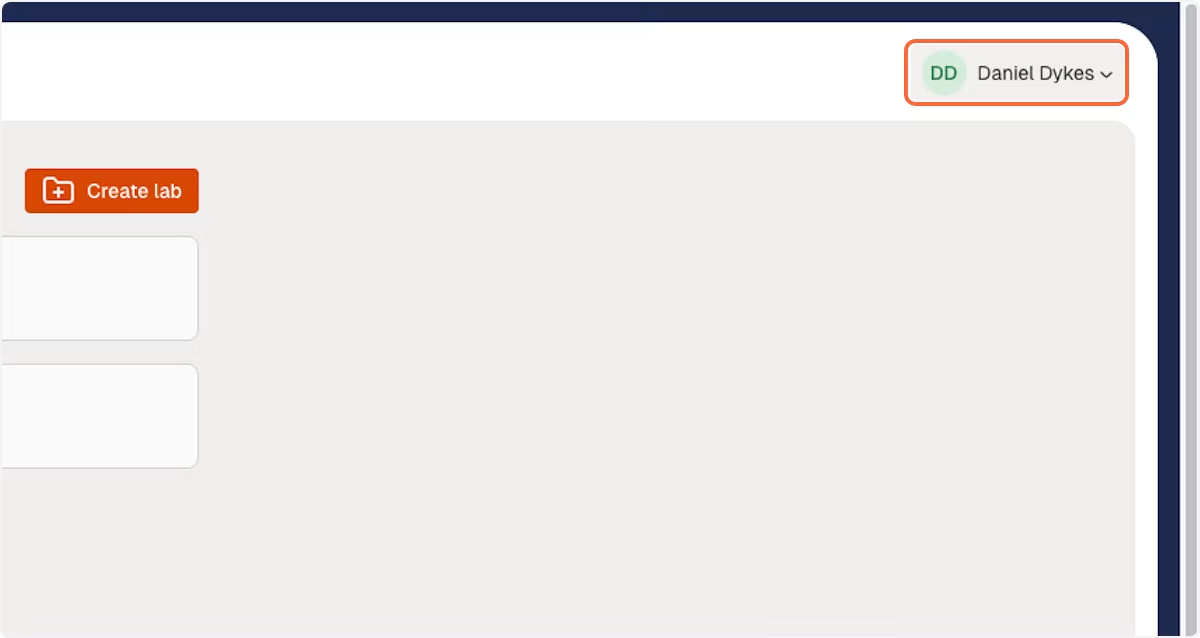
1. Tap your username
Tap on your username within any ModelMill screen.
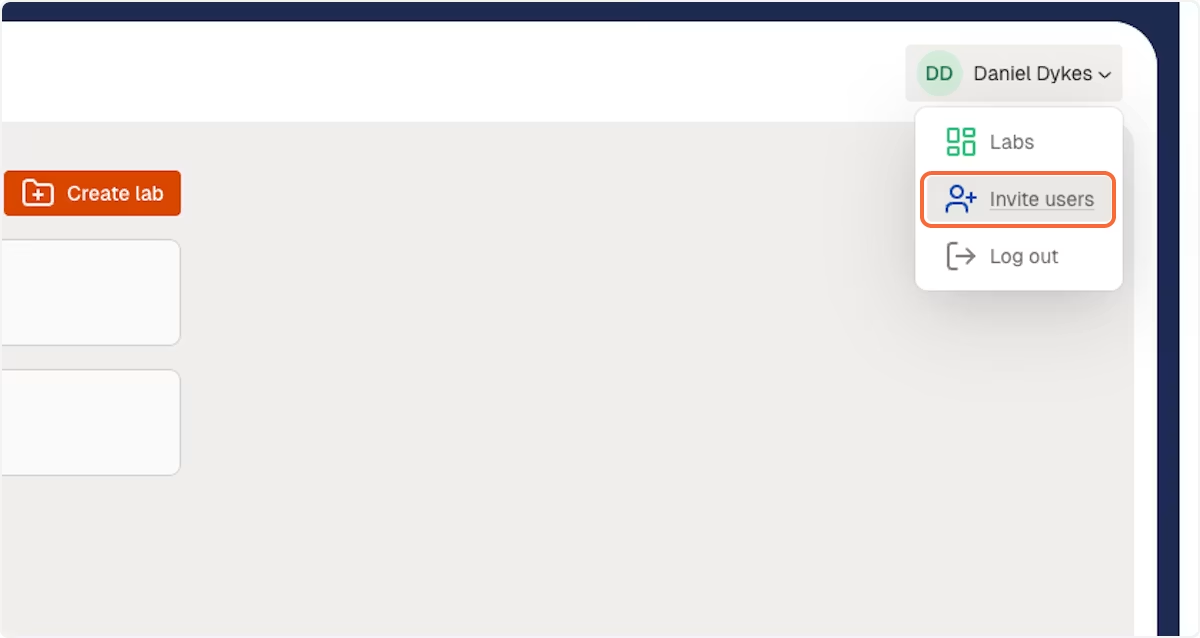
2. Tap 'Invite users'
Tap on 'Invite users' from within the dropdown menu.
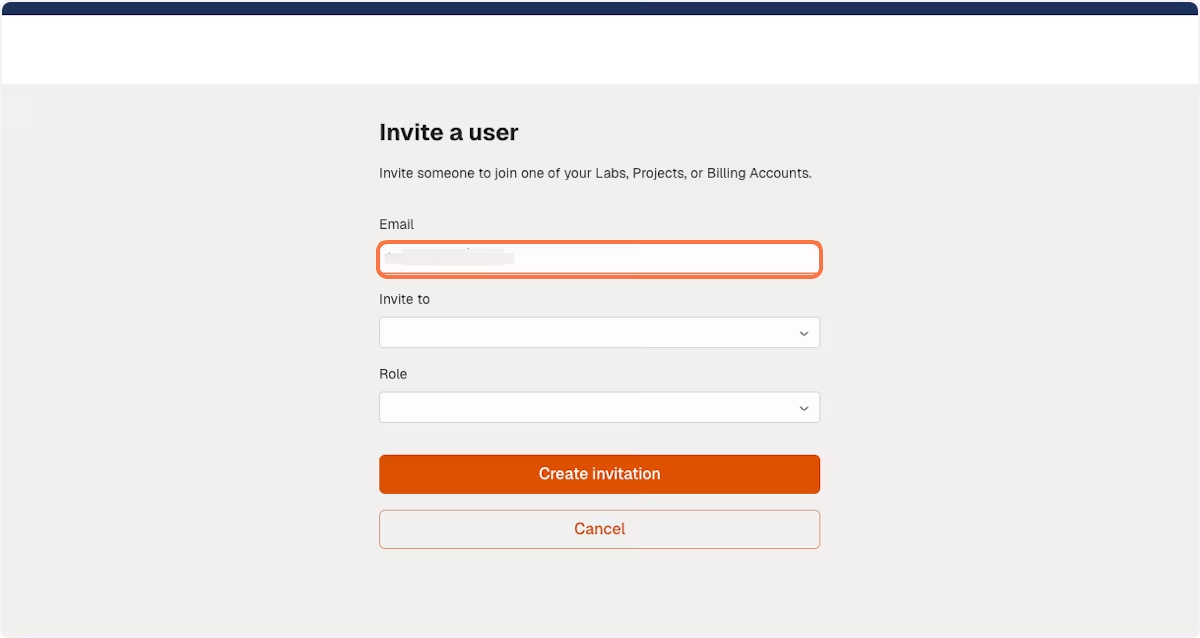
3. Enter email address
Enter the email address of the person you wish to invite to ModelMill.
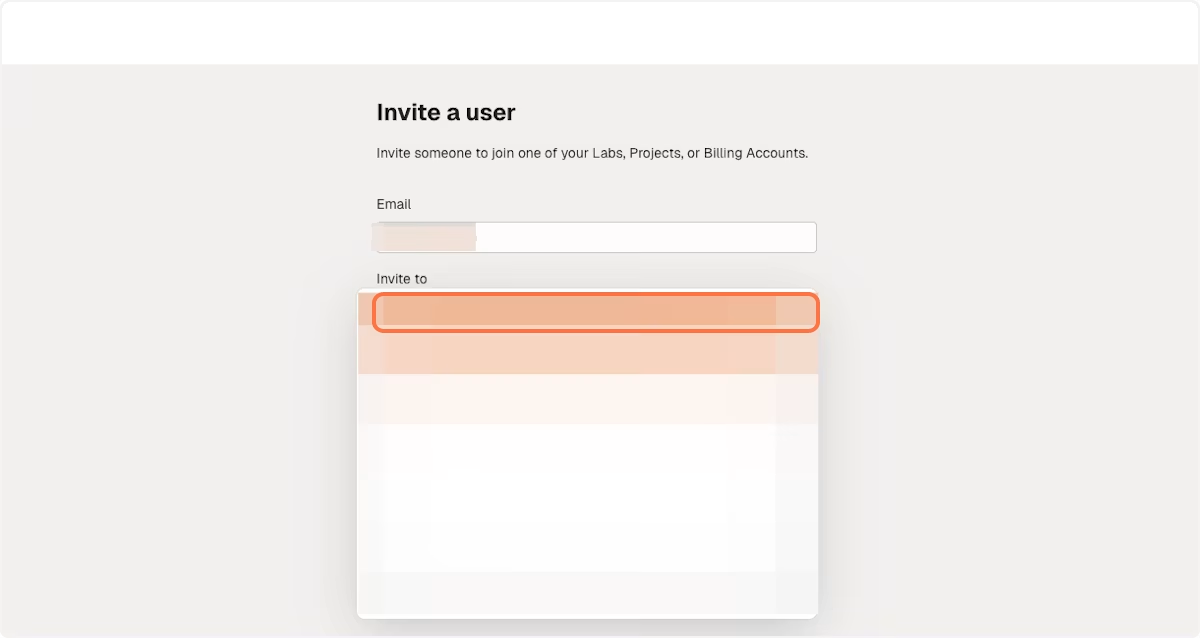
4. Click on 'Invite to' and select option
Tap on 'Invite to' to expand the list of accounts, labs, or projects you have permission to invite new users to.
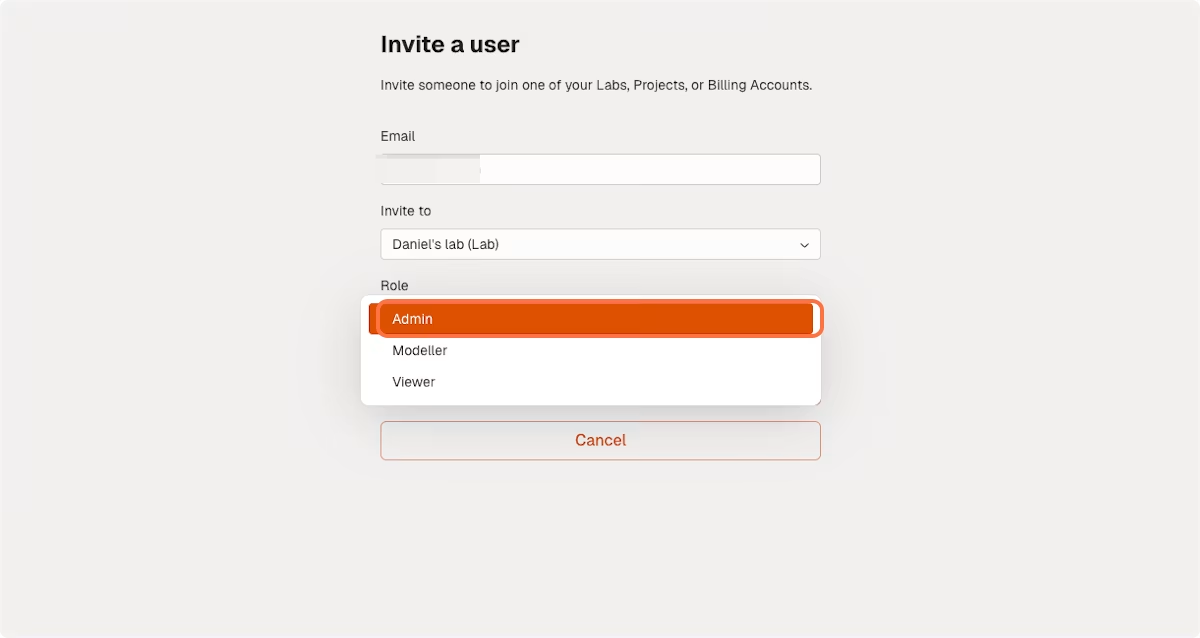
5. Select a Role
Tap on 'Role' to expand the dropdown list of user roles available to your ModelMill account.
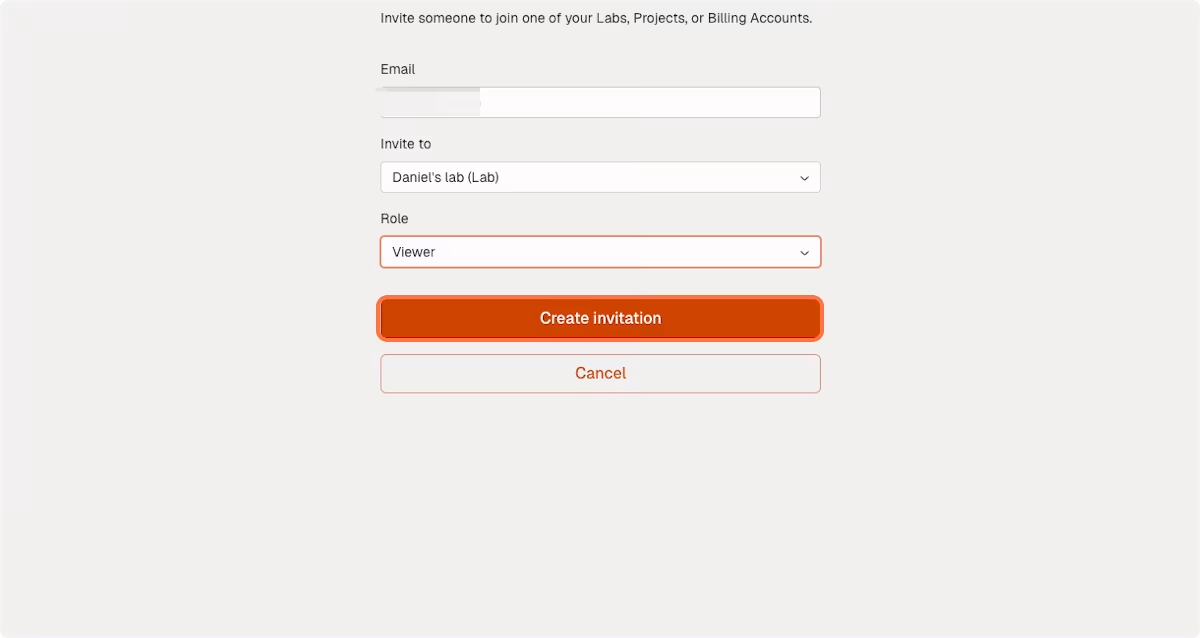
6. Tap on Create invitation
Tap on the 'Create invitation' button and an email will be dispatched to the inbox of the person you're inviting.
Need more help?
If 'Invite Users to ModelMill - User Guide' didn't answer your question, refer to our full help centre for more guides, or contact us via [email protected] and we'll be happy to assist you.